Procurement Guides

Guide: How to Use the 1688 App to purchase goods from China

How to Use the 1688 App to Find and Share Product Links 00

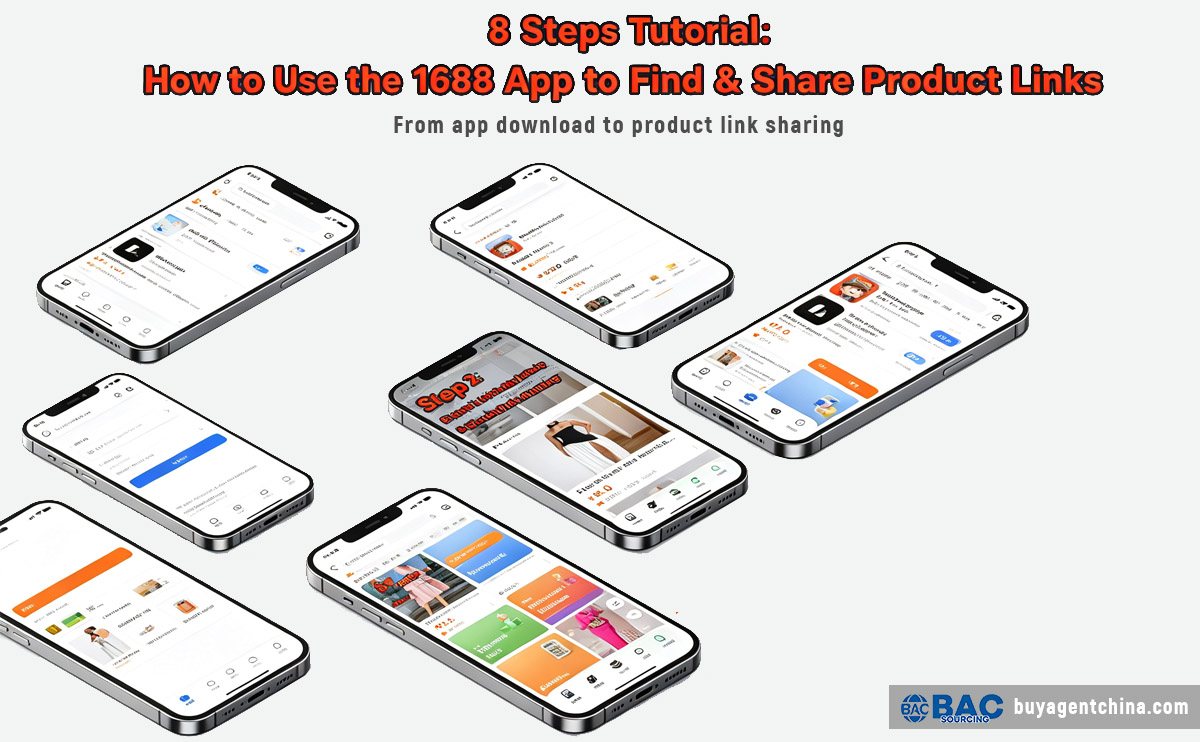
One video with 8 Steps tell you "How to Use the 1688 App to Find the product you like & Share Product Links to us to buy"

4 pictures with 8 Steps tell you "How to Use the 1688 App to Find the product you like & Share Product Links to us to buy"

Step by step video to Teach you how to use 1688 app to purchase goods

How to Use the 1688 App to Find and Share Product Links 01

Step 1 to Step 2

How to Use the 1688 App to Find and Share Product Links 02

Step 3 to Step 4

How to Use the 1688 App to Find and Share Product Links 03

Step 5 to Step 6

How to Use the 1688 App to Find and Share Product Links 04

Step 7 to Step 8

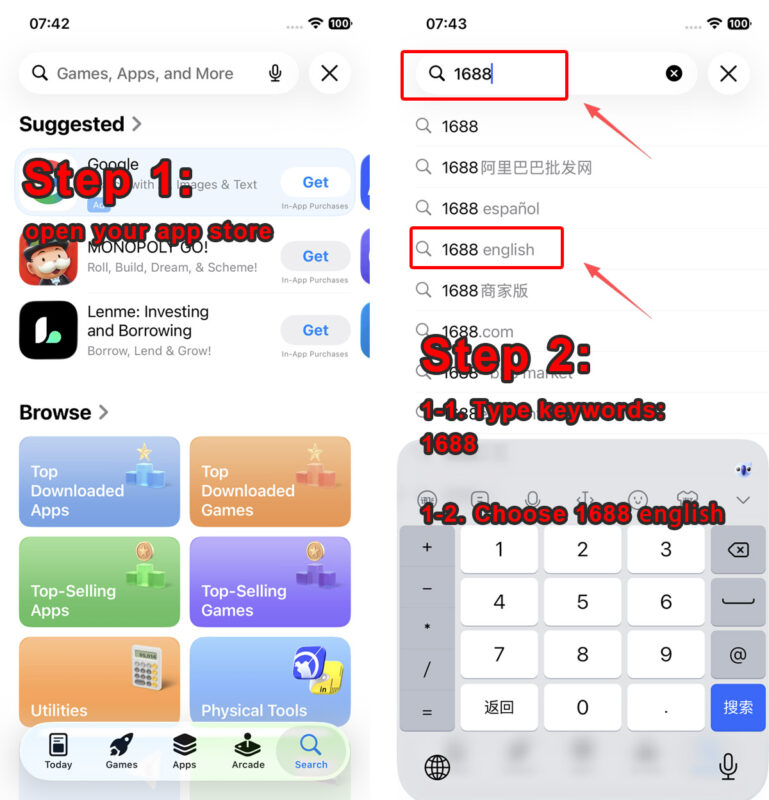
Step 1: Search for the 1688 English version in your App Store

  1. Open your mobile App Store.
  2. Enter the keyword 1688 in the search bar.
  3. Select the search option labeled 1688 english.

Step 2: Locate the official 1688 app and download it

On the search results page, find the app named 1688- B2B Market, then tap the Get button to start downloading the application.

Step 3: Open the 1688 app after installation

Once the download finishes, the Get button will switch to an Open button. Tap it to launch the 1688 app.

Step 4: Input product keywords into the search bar

On the homepage of the 1688 app, click the top search box and type keywords for the goods you want to look up. Example keyword: women's dress

Step 5: Tap the GO button to search products

After you finish typing your target product keywords, click the GO button on the right side of the search bar to load related product listings.

Step 6: Select your favorite product and enter its detail page

Browse all the search results, pick the product you like, then tap the product picture to jump into its detail page.

Step 7: Tap the share icon on the product detail page

On the product detail page, find and click the share icon located in the top-right corner of the screen.

Step 8: Copy the product link and send it

    1. After selecting your preferred product specifications, tap the share button to open the sharing menu.
    2. In the pop-up sharing panel, click the link copy icon to copy the item’s URL, then send the copied link to us.

Then, we help you calculate the weight or volume and the international shipping costs to your country, and provide you with a quote.

Services for professional buyers

If you are a business or a medium-to-large-scale purchaser (with a single-batch order value exceeding $30,000), we recommend reviewing our full range of services.

Leave a Reply

Your email address will not be published. Required fields are marked *